Wireless Display Solutions for Business and Education
Wireless Display Solutions for Business and Education
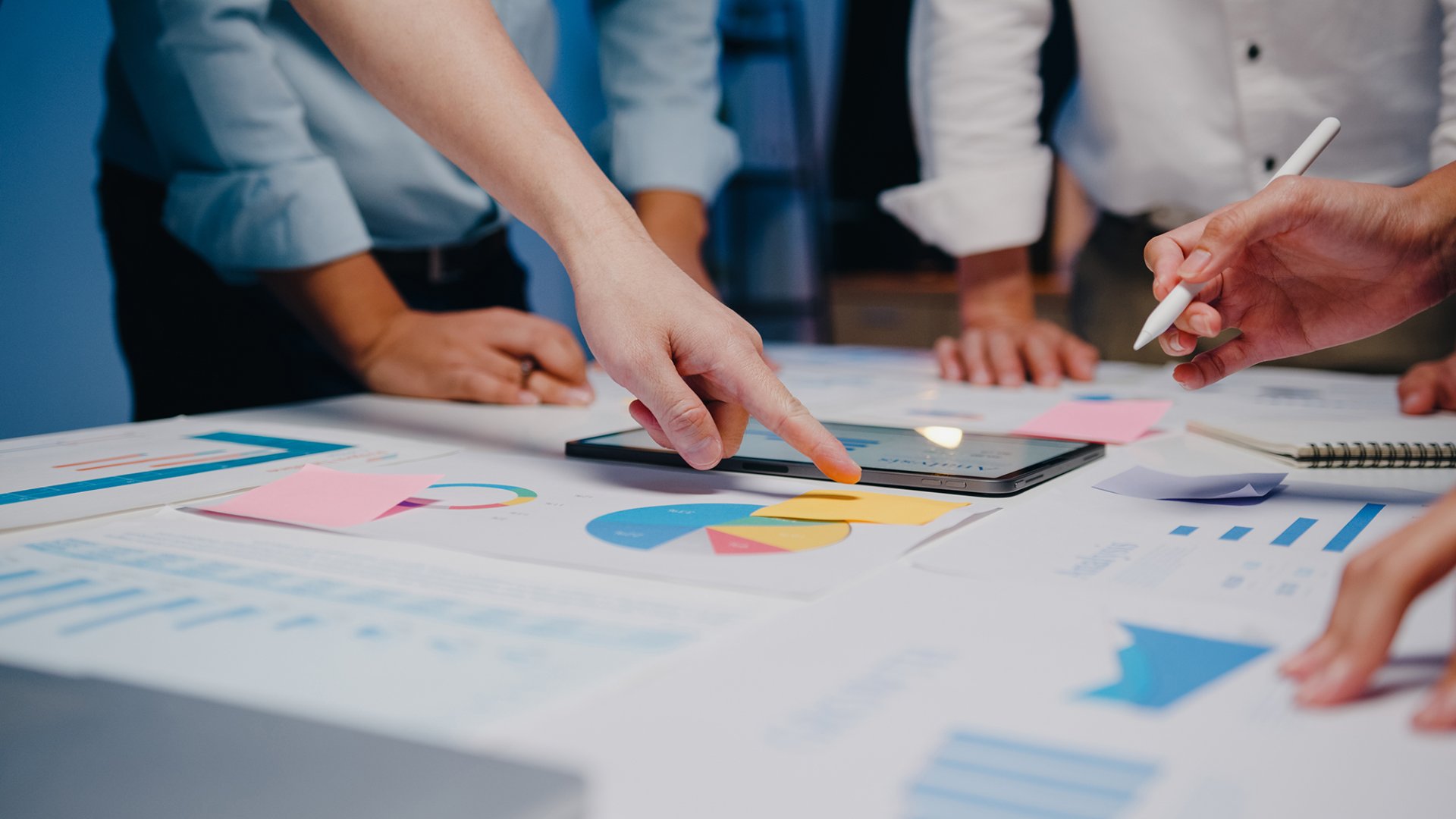
Have you ever attended meetings where connecting your personal devices to the room's equipment proved to be a challenge? Issues such as missing adapters, lost audio, and incompatible devices in meeting rooms are common in the modern era of meetings. Bring Your Own Meeting (BYOM) technology eliminates these common problems associated with traditional meeting spaces, ensuring efficient and collaborative meetings.
BYOM allows participants to use their own devices and preferred communication tools for seamless and productive meetings. Here's how it can address common challenges:
BYOM in Smart Meetings BYOM is part of the Smart Meeting Solutions designed by Ditrans Technology, taking collaboration to the next level. It allows meeting hosts and participants to use personal devices seamlessly with the existing room equipment, connecting both in-room and remote participants in a hybrid collaboration environment. This solution enables remote participants to view shared content on the room's display, providing a more immersive meeting experience.
Benefits of BYOM:
Smart Meeting Solution: DTran Technology's Smart Meeting Solution, designed with BYOM in mind, takes collaboration to a new level. The solution seamlessly connects personal devices to in-room equipment, offering a touchless and efficient meeting experience. With support for global devices and compatibility with leading operating systems, the solution ensures a secure and inclusive meeting environment.
In summary, BYOM technology, integrated into Smart Meeting Solutions, eliminates common challenges associated with traditional meeting spaces. It enhances flexibility, reduces costs, and promotes a more inclusive and efficient collaboration environment for teams.
Have you ever attended meetings where connecting your personal devices to the room's equipment proved to be a challenge? Issues such as missing adapters, lost audio, and incompatible devices in meeting rooms are common in the modern era of meetings. Bring Your Own Meeting (BYOM) technology eliminates these common problems associated with traditional meeting spaces, ensuring efficient and collaborative meetings.
BYOM allows participants to use their own devices and preferred communication tools for seamless and productive meetings. Here's how it can address common challenges:
- Device Compatibility:
BYOM accommodates a variety of personal devices, such as laptops, tablets, and smartphones, ensuring compatibility with different operating systems and meeting platforms. This flexibility eliminates the need for specific hardware or software, streamlining the meeting setup process. - Meeting Room Availability:
Traditional meeting rooms can be scarce, leading to scheduling conflicts and limited availability. BYOM enables employees to conduct meetings from any location, freeing them from the constraints of physical meeting room availability. - Technology Integration:
BYOM seamlessly integrates with a diverse range of collaboration tools and video conferencing platforms. This integration ensures that participants can leverage their preferred applications, fostering a more inclusive and collaborative meeting environment. - Cost Efficiency:
Setting up and maintaining traditional meeting rooms involves significant costs for audio-visual equipment, room infrastructure, and maintenance. BYOM reduces these costs by leveraging participants' existing devices and the software they already use. - Ease of Use:
BYOM simplifies the meeting experience by allowing participants to use familiar devices and interfaces. This minimizes the learning curve and technical issues, promoting a more user-friendly and efficient meeting process. - Global Collaboration:
With BYOM, geographical barriers are significantly reduced. Team members from different locations can join meetings effortlessly, fostering global collaboration and ensuring that everyone is included, regardless of their physical location.
BYOM in Smart Meetings BYOM is part of the Smart Meeting Solutions designed by Ditrans Technology, taking collaboration to the next level. It allows meeting hosts and participants to use personal devices seamlessly with the existing room equipment, connecting both in-room and remote participants in a hybrid collaboration environment. This solution enables remote participants to view shared content on the room's display, providing a more immersive meeting experience.
Benefits of BYOM:
- Familiarity with Devices: Using personal devices reduces technology-related challenges and enhances overall work efficiency.
- Flexible Setup for Meeting Rooms: BYOM supports streaming platforms like Zoom, Microsoft Teams, and Google Meets, making it adaptable to various meeting environments.
- Hybrid Workspace Compatibility: Remote participants can view shared content on the room's display, bridging the gap between in-room and remote collaboration.
- Minimal Touchpoints: Participants can manage meetings from personal devices without interacting with shared devices, ensuring a safer experience.
Smart Meeting Solution: DTran Technology's Smart Meeting Solution, designed with BYOM in mind, takes collaboration to a new level. The solution seamlessly connects personal devices to in-room equipment, offering a touchless and efficient meeting experience. With support for global devices and compatibility with leading operating systems, the solution ensures a secure and inclusive meeting environment.
In summary, BYOM technology, integrated into Smart Meeting Solutions, eliminates common challenges associated with traditional meeting spaces. It enhances flexibility, reduces costs, and promotes a more inclusive and efficient collaboration environment for teams.
Related Content
In an era where efficiency, safety, and professionalism are critical for success, modern businesses can no longer rely solely on traditional methods of workplace security. Offices, factories, and retail enterprises need solutions that not only protect employees and assets but also streamline daily operations. This is the vision behind DTran Technology's Smart Security Systems: innovative solutions designed to elevate both workplace safety and organizational efficiency.
18 ส.ค. 2025

Digital Signage is a digital display designed to present information, still images, videos, or animations in an attractive and eye-catching manner.
29 พ.ย. 2024
In the current digital era, integrating technology into education is essential to make learning more contemporary and engaging
26 ม.ค. 2024
