Interactive Displays for Meetings and Presentations
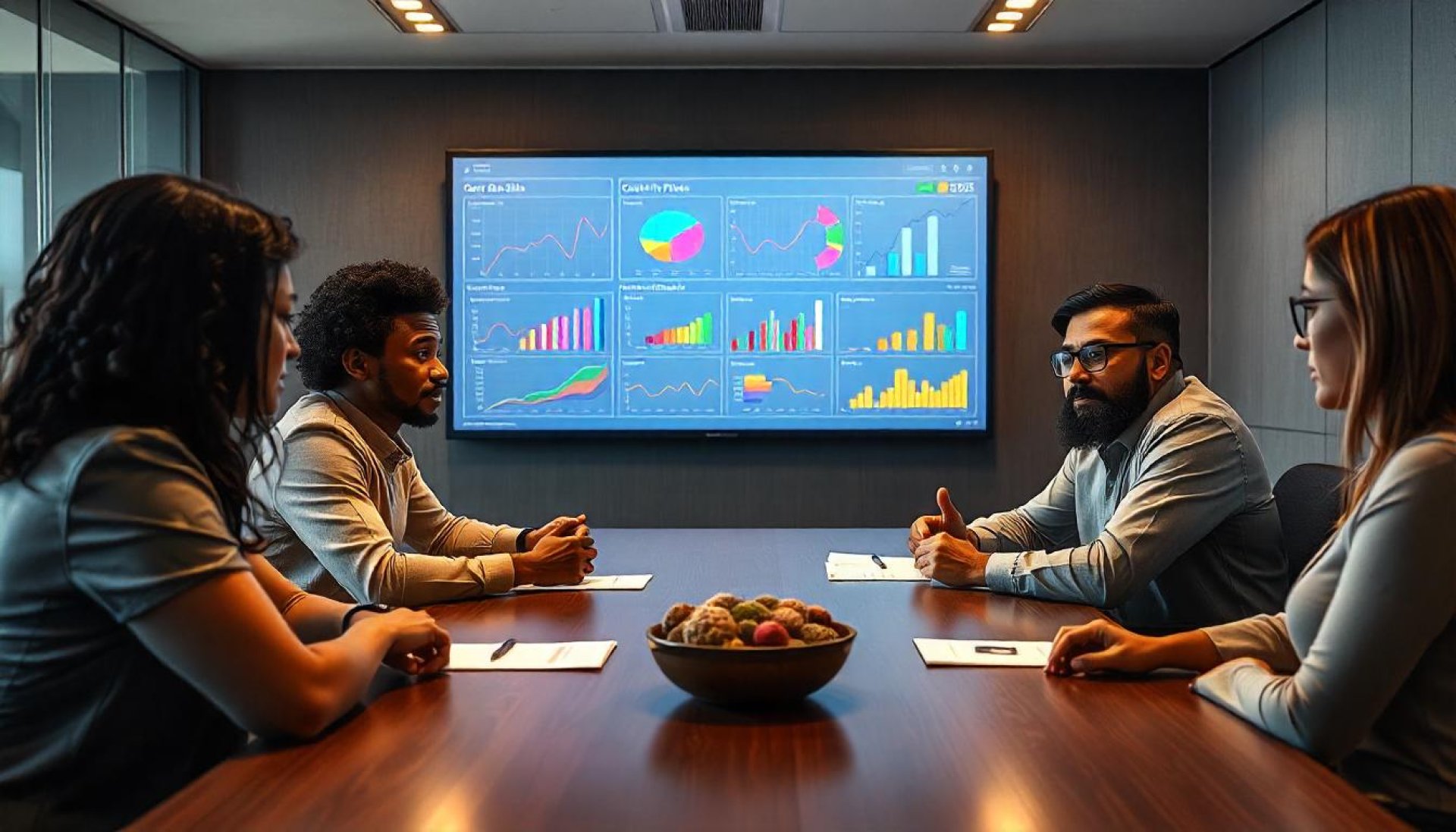
Interactive Displays for Meetings and Presentations
In todays fast-paced digital world, Interactive Displays or Interactive Flat Panels play a pivotal role in enhancing meeting and presentation experiences. Whether for small or large meeting rooms, these screens cater to diverse needs with unmatched efficiency.
Benefits of Interactive Displays for Meetings and Presentations
- Enhance Engagement in Meetings
Touch and real-time writing capabilities on Smart Boards enable participants to actively contribute to discussions. - ALL IN ONE Solution for Complete Meetings
Integrates all necessary functions like screen sharing, note-taking, and file presentations in a single device. - Superior Visual Experience
4K resolution ensures every slide and content looks sharp and engaging. - Supports Multi-Tasking
The Multi-Windows feature allows multiple windows to be displayed simultaneously, enhancing presentation efficiency. - Seamless Online Meeting Support
Equipped with 4K cameras and Array Microphones for high-quality virtual meetings.
How Interactive Displays Improve Presentations
- User-Friendly: Requires minimal setup connect via USB, HDMI, or Wireless Presentation and start working immediately.
- Time-Saving: Presenters can save and share content in just a few clicks without redundant preparation.
- Boosts Attention: Writing and highlighting features make presentations more dynamic and impactful.
Related Content

Smart Touchscreen Displays or IQBoard have emerged as a highly impactful tool, positively influencing the way we communicate, work, and learn
12 Dec 2023

Education in the 21st century is no longer confined to textbooks, chalkboards, or rigid structures. The world has changed, and so must our approach to teaching and learning. Classrooms today are expected to be more dynamic, interactive, and tailored to developing students' real-world skills.
6 May 2025

One technology leading this transformation is Gemini AI. Unlike traditional AI tools, Gemini goes beyond simple automation. It acts as an intelligent assistant that supports analysis, collaboration, and strategic thinking—making it a natural fit for the evolution of smart meeting solutions.
6 Jan 2026
